Divvy
🚀 Divvy
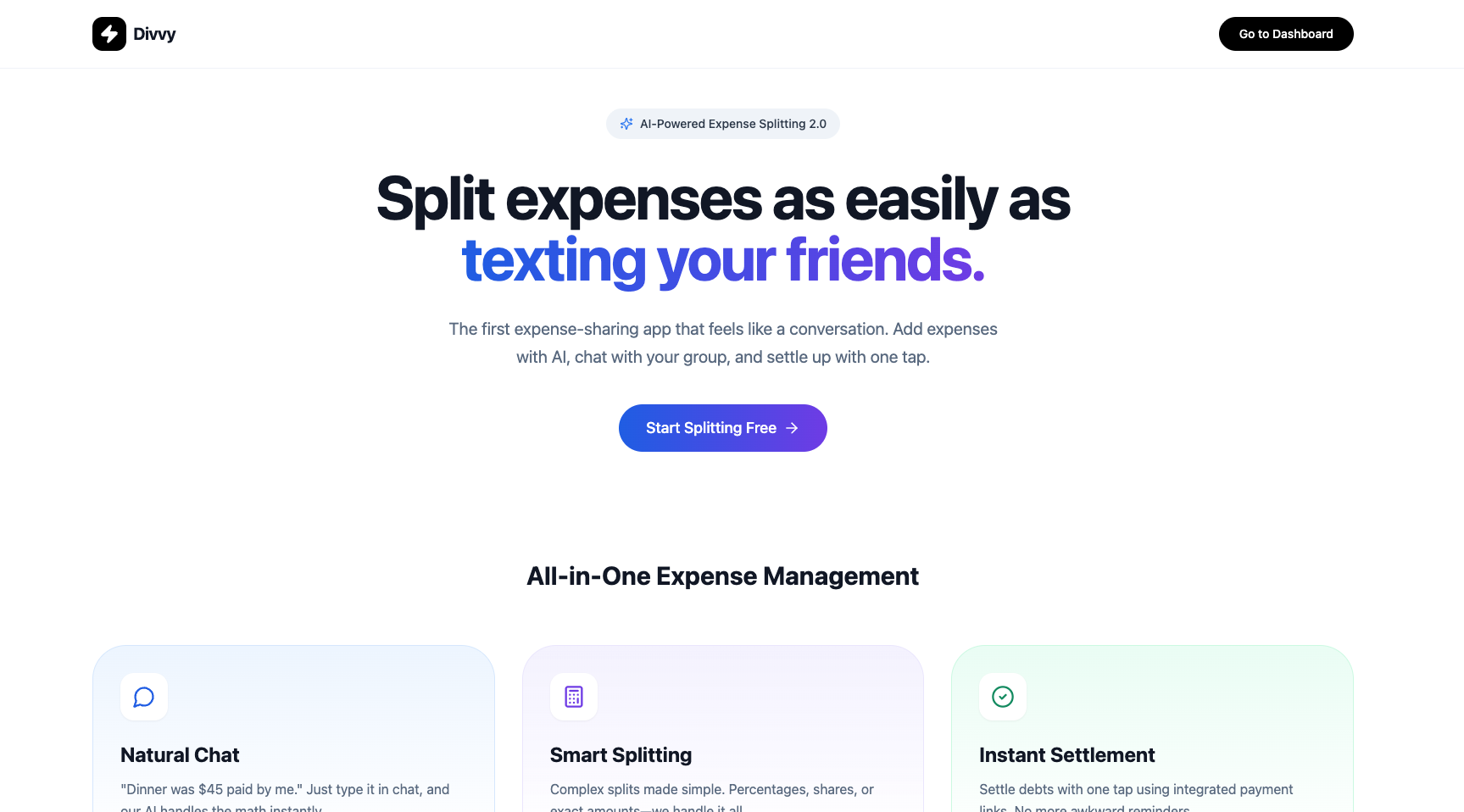
Divvy is a modern expense-splitting and group-settlement web application built with Next.js. It helps groups track shared expenses, calculate balances, and settle up fairly and transparently.
Status: IN PROGRESS — actively developed. This repo is a demo for evaluation and not yet production-ready.
🔎 Project snapshot
Divvy provides:
- Group management (create/join groups)
- Expense creation with multiple participants and split logic
- Balances & settlement flows
- Group messaging and notifications
- AI-assisted expense parsing (planned)
Primary code locations: app/, api/, components/, lib/, and db/.
✨ Key features (work-in-progress)
- Group creation & membership
- Flexible expense entry with participant splits
- Persistent storage via Supabase
- Reusable UI primitives in
components/ui/ - Initial test coverage (Jest)
🏗️ Tech stack & architecture
- Next.js (App Router)
- TypeScript
- Supabase (auth + Postgres)
- Drizzle ORM
- TailwindCSS
- Jest + React Testing Library
Layout overview:
app/— pages & server actionsapp/api/&api/— server routes and client API helperscomponents/— UI and containerslib/— utilities and domain actionsdb/— schema & migrations
⚡ Quick start (local dev)
Prerequisites: Node.js 16+, and a Supabase project or Postgres DB for full functionality.
1) Install dependencies
npm install
# or
pnpm install
2) Create local env file
cp .env.example .env.local
# Edit `.env.local` with your Supabase and (optional) AI provider keys
3) Run dev server
npm run dev
# or
pnpm dev
Open http://localhost:3000
Notes:
- Seed scripts live in
scripts/(usescripts/seed-test-data.tsandscripts/clean-test-data.ts). - Some flows require Supabase service role keys (server-only). Keep those out of the client.
🔐 Environment variables
Add required variables to .env.local (DO NOT commit secrets):
- SUPABASE_URL
- SUPABASE_ANON_KEY
- SUPABASE_SERVICE_ROLE_KEY (server-only)
- NEXT_PUBLIC_SUPABASE_URL (optional)
- OPENAI_API_KEY (optional, for AI processing)
- DATABASE_URL (optional)
Tip: keep a minimal, non-secret .env.example in the repo that documents variable names.
🧪 Tests & developer scripts
- Run tests:
npm test- Seed / clear test data:
node ./scripts/seed-test-data.ts
node ./scripts/clean-test-data.ts
There are initial tests in __tests__/ (e.g., auth.test.tsx). Expand coverage before production.